A while back, I hit a point where writing started feeling more exhausting than creative.
I had blog drafts sitting unfinished for days, captions waiting to be posted, and article intros that somehow took longer to write than the actual content. Some days I spent more time staring at the blinking cursor than writing anything useful.
That’s when I seriously started testing AI writing tools.
At first, I expected them to completely replace the writing process. That idea disappeared quickly after seeing some painfully robotic outputs. One tool generated a blog intro that sounded like a school textbook mixed with a corporate email.
Not exactly engaging.
But after using these tools properly for months, I realized something important:
The best AI writing tools don’t replace writers.
They remove repetitive work and help you write faster when your brain feels stuck.
Now I use AI tools almost daily for:
- Blog outlines
- SEO ideas
- Product descriptions
- Captions
- Rewriting awkward sentences
- Fixing grammar
- Research summaries
Some tools genuinely save hours.
Others sound impressive in ads but become frustrating after ten minutes.
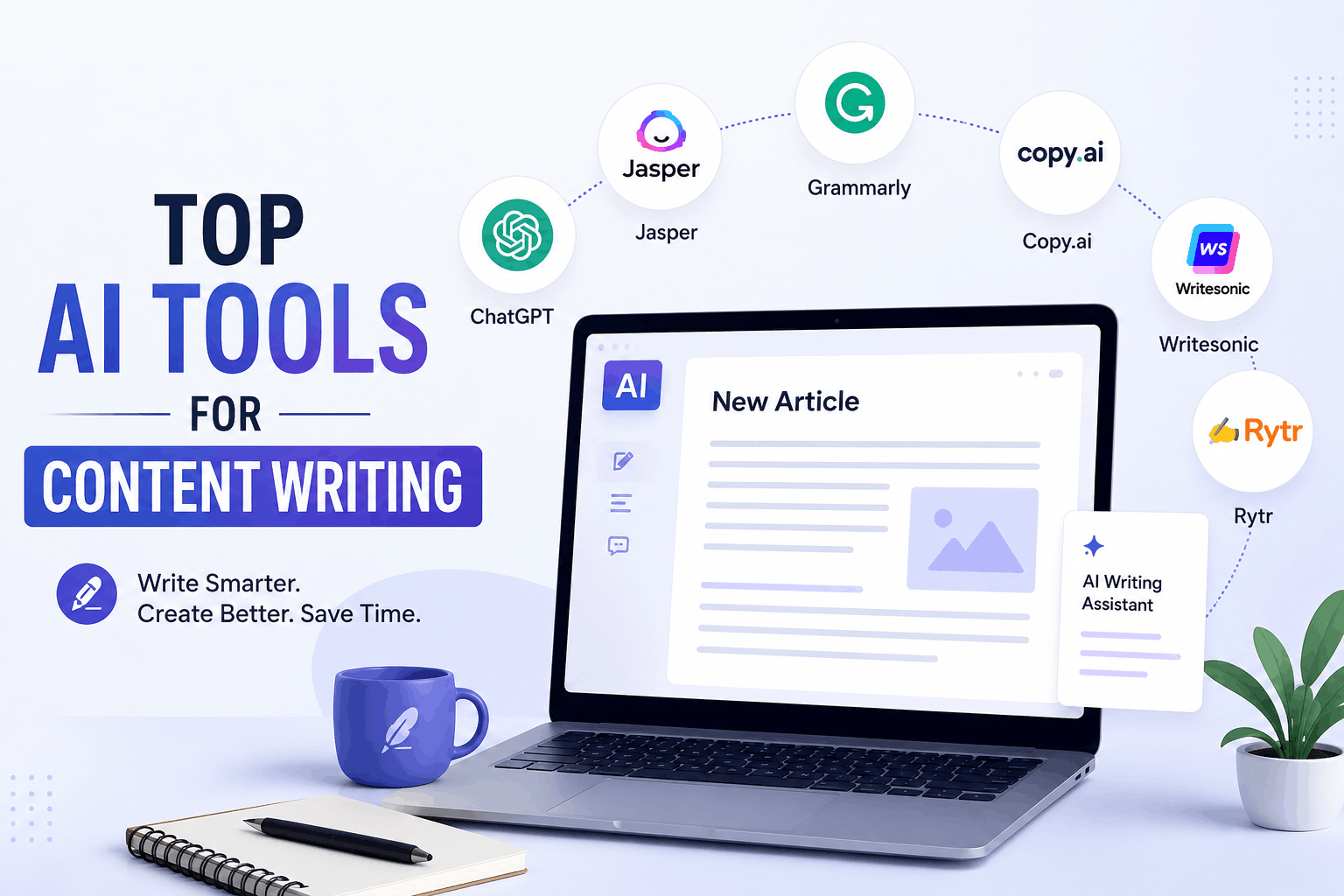
So if you’re trying to find AI writing tools that are actually useful for real content creation, these are the ones worth testing.
What AI Writing Tools Are Actually Good For
Before jumping into the list, here’s the biggest lesson I learned:
AI tools work best for assistance, not autopilot.
If you expect perfect articles with zero editing, you’ll probably be disappointed.
Where AI helps most:
- Beating writer’s block
- Organizing ideas
- Improving structure
- Speeding up repetitive tasks
- Creating first drafts
The final polish still needs human editing.
That part matters more than people think.
1. ChatGPT
This is still the tool I use the most.
Not because it’s perfect, but because it’s flexible.
I’ve used ChatGPT for:
- Blog outlines
- YouTube scripts
- Product descriptions
- Social media captions
- Rewriting content
- Brainstorming titles
The biggest mistake I made early on was using weak prompts.
I typed things like:
“write article”
Then wondered why the output sounded generic.
Once I started giving better instructions, the quality improved massively.
Example Prompt
“Write a casual and beginner-friendly blog intro about AI tools for freelancers.”
That works far better than vague requests.
What I Like
- Fast responses
- Flexible writing styles
- Great for brainstorming
- Helpful for rewriting awkward text
What Needs Improvement
Sometimes responses become repetitive if prompts are too broad.
Human editing still matters.
2. Grammarly
I originally installed Grammarly just to fix grammar mistakes.
Then I realized how often my writing sounded awkward without me noticing.
It catches:
- Grammar errors
- Repeated words
- Tone issues
- Hard-to-read sentences
- Punctuation mistakes
Real Experience
One thing Grammarly helped me notice was how often I used unnecessarily long sentences.
Shorter writing usually reads better online.
Especially for blogs and mobile readers.
Best Feature
Tone suggestions.
Sometimes a sentence sounds normal in your head but comes across aggressively when someone else reads it.
3. Jasper AI
Jasper is more focused on marketing-style writing.
I tested it mainly for:
- Ad copy
- Ecommerce descriptions
- Sales pages
- Social media content
It’s built for content creators and marketers who need fast output regularly.
What I Noticed
The templates help beginners a lot.
Instead of staring at a blank page, you get structure immediately.
Best For
- Marketing content
- Product descriptions
- Email copy
- Social media writing
Downside
It can become expensive for beginners.
4. Copy.ai
Copy.ai feels beginner-friendly compared to some advanced writing tools.
The interface is simple, which honestly matters more than people realize.
Some AI tools overload users with too many options.
Copy.ai stays straightforward.
What It’s Good At
- Captions
- Ad copy
- Blog ideas
- Quick writing tasks
Real Observation
The shorter-form writing outputs often feel stronger than the long-form articles.
That’s where it performs best in my experience.
5. Notion AI
This one became surprisingly useful in my daily workflow.
I already used Notion for organizing ideas, so having AI built into the workspace felt convenient.
What I Use It For
- Summarizing notes
- Brainstorming ideas
- Organizing outlines
- Cleaning messy writing
Best Part
Everything stays inside your workspace.
You don’t constantly switch between tabs.
That small detail saves more time than expected.
6. Writesonic
Writesonic works well for quick content generation.
I tested it for:
- Blog outlines
- Ecommerce copy
- Landing page text
- SEO-focused articles
What Helped Most
The article structure suggestions.
Sometimes starting is the hardest part of writing.
Having an instant outline helps reduce that mental friction.
One Thing to Watch
Always fact-check generated information.
AI tools occasionally invent details confidently.
7. QuillBot
This tool is excellent for rewriting text naturally.
I use it mainly when:
- A sentence feels awkward
- Paragraphs sound repetitive
- I want smoother wording
Real Example
Sometimes I write sentences that technically make sense but sound strange when read aloud.
QuillBot helps simplify them quickly.
Best Feature
Paraphrasing modes.
You can make writing:
- Simpler
- More professional
- More creative
- More concise
8. Perplexity AI
This tool feels more like a smart research assistant than a traditional writer.
I use it heavily for:
- Research summaries
- Finding information quickly
- Understanding topics faster
Why It Helps Writers
Research often takes longer than writing itself.
Perplexity speeds up that process dramatically.
What I Like
It usually shows sources alongside answers, which feels more trustworthy than random AI-generated claims.
9. Surfer SEO
This tool focuses more on SEO optimization than raw writing.
I tested it while improving blog content rankings.
What It Helps With
- Keyword optimization
- Content structure
- SEO scoring
- Readability suggestions
Important Lesson
SEO matters.
But writing only for algorithms usually creates boring content.
Balance SEO with readability.
Always.
10. Canva Magic Write
Most people think of Canva only for graphics, but Magic Write is surprisingly useful for quick content ideas.
I’ve Used It For
- Social captions
- Blog headings
- Video ideas
- Product descriptions
Why It’s Convenient
You can create:
- Text
- Graphics
- Social posts
all in one platform.
That workflow feels efficient.
How I Actually Use AI Tools for Writing
A lot of beginners assume professional writers generate entire articles instantly with AI.
That’s usually not how it works.
Here’s my actual workflow most days.
Step 1: Research Topics
I use:
- ChatGPT
- Perplexity AI
to brainstorm ideas and understand topics faster.
Step 2: Create Outline
AI helps organize:
- Headings
- Structure
- Main talking points
This saves huge amounts of time.
Step 3: Write First Draft
Sometimes AI generates:
- Intro ideas
- Rough paragraphs
- Examples
Then I rewrite sections naturally.
Step 4: Human Editing
This is the most important part.
I add:
- Personal experiences
- Real examples
- Simpler wording
- Natural tone
Without editing, content feels generic quickly.
Step 5: Grammar and SEO Check
Finally:
- Grammarly for readability
- Surfer SEO for optimization
That combination works well.
Common Mistakes People Make With AI Writing Tools
Copy-Pasting Everything Directly
This creates robotic content fast.
Readers notice when articles feel emotionless or repetitive.
Always edit manually.
Using Weak Prompts
This changes output quality dramatically.
Bad prompt:
“write blog”
Better prompt:
“Write a casual blog intro about AI tools for students using simple language.”
Specific prompts create better writing.
Ignoring Personal Experience
The biggest thing AI cannot fully replicate is genuine experience.
Real stories make content feel believable.
That’s why adding your own observations matters so much.
Depending Fully on AI
AI helps speed things up.
But creativity, humor, storytelling, and emotional connection still come from humans.
That’s what keeps content interesting.
Which AI Writing Tool Should Beginners Start With?
If you’re completely new, honestly start simple.
This combination works well:
- ChatGPT → brainstorming and drafting
- Grammarly → grammar and readability
- Canva Magic Write → quick captions and ideas
That’s enough for most beginners initially.
You don’t need ten subscriptions immediately.
I made that mistake already.
Too many tools become distracting fast.
Final Thoughts
The most surprising thing about AI writing tools isn’t that they can generate words quickly.
It’s how much mental energy they save.
Instead of getting stuck:
- Thinking of titles
- Rewriting intros
- Fixing awkward paragraphs
- Organizing ideas
you can focus more on:
- Creativity
- Storytelling
- Personal experience
- Better content quality
The writers who benefit most from AI usually aren’t the ones trying to replace themselves.
They’re the ones using AI to remove repetitive work so they can spend more time creating content people actually enjoy reading.
