A few months ago, I caught myself wasting almost three hours trying to design a thumbnail, rewrite a blog intro, and remove background noise from a video clip. By the end of the night, I had five tabs open, two cold cups of chai on the desk, and nothing properly finished.
That was the point where I stopped ignoring AI tools and actually started testing them seriously.
At first, I thought most AI websites were overhyped. Some were confusing, some produced terrible results, and a few felt like they were built only to collect email addresses. But after using dozens of platforms for blogging, editing, content creation, and productivity work, I found a few tools that genuinely save time.
The websites below are the ones I personally found useful in real work situations — not just for experimenting.
Some help with writing. Some improve videos. Others can completely change how fast you work online.
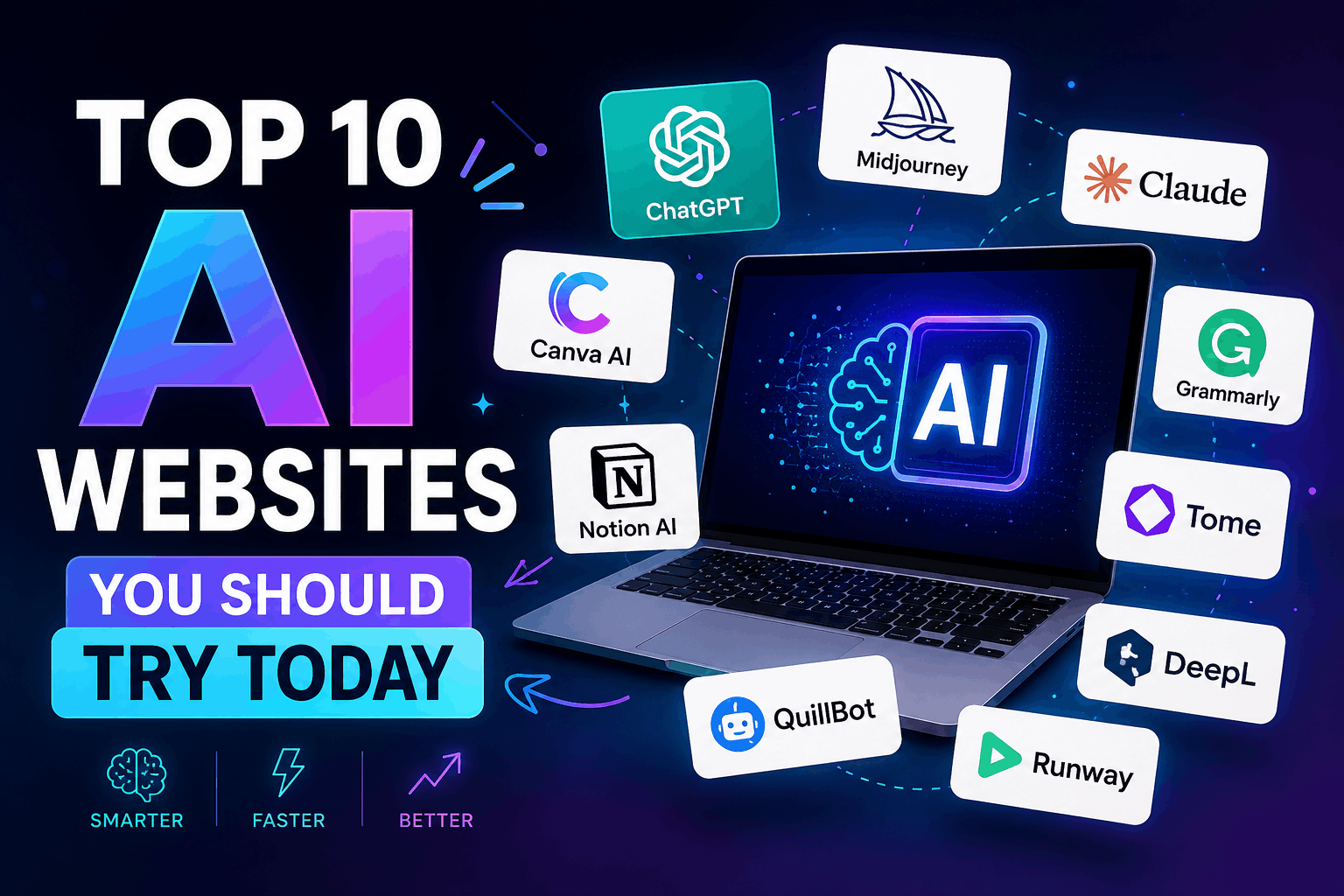
Here are the AI websites I think are actually worth trying right now.
1. ChatGPT
If you’ve never properly used ChatGPT beyond asking random questions, you’re missing the best part of it.
I originally started using it for blog outlines. Then I realized it could help with:
- Writing product descriptions
- Fixing grammar
- Brainstorming video ideas
- Creating social media captions
- Explaining coding errors
- Generating SEO titles
One thing I learned the hard way: the quality depends on your instructions.
When I used short prompts like “write article,” the output sounded generic. But when I started explaining context properly, the results improved massively.
For example, instead of:
“Write Instagram caption”
I now write:
“Write a short Instagram caption for a tech course sale in a casual tone for beginners.”
Huge difference.
Best for:
- Bloggers
- Students
- Freelancers
- Content creators
- Beginners learning AI
Common mistake:
Copy-pasting AI content directly without editing. Always add your own voice.
2. Canva AI
I used to think Canva was only for simple social media posts.
Then I tried its AI tools.
The background remover alone saved me hours. I used it while creating product images for a Shopify store, and honestly, it worked better than some complicated editing software I had tried before.
Canva AI can now help with:
- AI image generation
- Presentation creation
- Video editing
- Magic resize
- Text-to-image designs
- Social media templates
One feature I unexpectedly liked was Magic Write. It helps generate quick text ideas inside Canva itself.
Real-life use case:
I once needed a YouTube thumbnail quickly before uploading a video. Canva AI generated a rough design in minutes, and I only had to make small edits afterward.
Best for:
- YouTubers
- Store owners
- Students
- Social media managers
3. Grammarly
I installed Grammarly thinking it would only fix spelling mistakes.
Instead, it completely changed how I write emails and blog posts.
One embarrassing thing I noticed after using it: I used the same awkward sentence structures repeatedly without realizing it.
Grammarly catches:
- Grammar mistakes
- Tone issues
- Hard-to-read sentences
- Repeated words
- Punctuation errors
The tone suggestions are surprisingly useful. Sometimes a message sounds polite in your head but aggressive when someone else reads it.
Small tip:
Don’t accept every Grammarly suggestion automatically. Sometimes it removes personality from your writing.
Best for:
- Bloggers
- Students
- Office work
- Freelancers writing client emails
4. Notion AI
I started using Notion for note-taking. Then I discovered Notion AI and became slightly addicted to organizing everything.
It can summarize notes, generate task lists, rewrite content, and help brainstorm ideas.
One practical use I found:
I dumped messy meeting notes into Notion AI, and it turned them into a clean checklist within seconds.
That alone saved me from rereading pages of random notes.
What makes it useful:
It feels less like a chatbot and more like a smart assistant inside your workspace.
Best for:
- Productivity
- Team collaboration
- Project planning
- Content organization
5. Midjourney
This is one of the most impressive AI image generators I’ve used.
The first time I tested it, I honestly didn’t expect much. Then it generated cinematic artwork that looked like something from a movie poster.
But there’s a learning curve.
My early prompts produced weird hands, strange faces, and random objects floating in the background. Better prompts create dramatically better images.
What works best:
Detailed descriptions.
Instead of:
“man in room”
Try:
“realistic young man sitting in a neon-lit gaming room with cinematic lighting”
Best for:
- Designers
- Thumbnail creators
- Digital artists
- Content creators
Mistake beginners make:
Using very short prompts and expecting professional results.
6. Runway ML
This website surprised me the most.
I tested Runway while editing short-form videos, and the AI tools felt almost futuristic.
It can:
- Remove video backgrounds
- Generate video clips
- Add motion effects
- Clean up footage
- Create AI animations
One feature I genuinely liked was text-based video editing. You can edit parts of a video almost like editing a document.
That sounded fake to me until I actually tried it.
Real-world example:
I removed unwanted objects from a clip without opening complicated editing software.
Best for:
- TikTok creators
- YouTubers
- Video editors
- Short-form content creators
7. Perplexity AI
Think of this as a smarter search engine.
I started using it when regular search results became cluttered with SEO-heavy articles that barely answered the question.
Perplexity gives direct answers with sources attached.
That makes research faster.
I’ve used it for:
- Finding tool comparisons
- Researching topics quickly
- Summarizing information
- Fact-checking details
What I like:
It usually shows where the information came from instead of pretending the AI magically knows everything.
Best for:
- Researchers
- Students
- Bloggers
- Curious learners
8. ElevenLabs
If you create videos or podcasts, this tool is worth testing.
I first tried ElevenLabs for AI voiceovers and expected robotic audio. Instead, the voices sounded surprisingly natural.
Some voices are so realistic that you almost forget they’re AI-generated.
You can:
- Convert text into speech
- Clone voices
- Create narration
- Generate multilingual audio
Lesson I learned:
The script matters more than the voice.
Even the best AI voice sounds awkward if the writing feels unnatural.
Best for:
- YouTube automation
- Podcasts
- Audiobooks
- Educational videos
9. Remove.bg
Simple tool. Massive time saver.
I used to manually erase backgrounds in editing software, especially for product images.
Then I found Remove.bg.
Upload image. Background disappears. Done.
It’s not perfect for every image, but for quick edits, it’s incredibly useful.
Best use cases:
- Product photos
- Profile pictures
- Thumbnail design
- Transparent PNGs
Small warning:
Hair edges sometimes need manual cleanup.
10. GitHub Copilot
This one is mainly for developers, but even beginner coders can benefit from it.
When I tested it while editing simple website code, it helped complete repetitive lines automatically.
At first, I trusted every suggestion blindly.
Bad idea.
Sometimes the code works but isn’t optimized properly. You still need basic understanding.
What it helps with:
- Auto-completing code
- Writing functions faster
- Debugging ideas
- Learning programming patterns
Best for:
- Web developers
- Coding students
- App creators
How to Actually Use AI Websites Effectively
A lot of people try one AI tool for five minutes and quit because the results look average.
Here’s what genuinely improved my experience.
1. Give Clear Instructions
Bad input creates bad output.
Instead of:
“write article”
Try:
“write a beginner-friendly article about freelancing in a casual tone”
Specific instructions matter.
2. Don’t Depend Fully on AI
AI should assist your work, not replace your thinking.
I still edit everything manually:
- Blog posts
- Thumbnails
- Product descriptions
- Video scripts
Human editing makes the final result feel real.
3. Test Multiple Tools
Different tools are good at different things.
For example:
- ChatGPT for writing
- Canva for visuals
- Runway for videos
- Grammarly for editing
Using one tool for everything usually gives weaker results.
Common Mistakes People Make With AI Tools
Copy-Pasting Without Editing
This is the biggest mistake.
Readers can often tell when content feels lifeless or repetitive.
Add personal examples, experiences, and opinions.
Using Too Many AI Tools at Once
I once signed up for eight different AI platforms in one week.
Result:
- Confusion
- Too many subscriptions
- Wasted time learning interfaces
Start with 2–3 tools first.
Ignoring Privacy
Be careful uploading:
- Personal documents
- Passwords
- Sensitive client data
Not every AI platform handles privacy the same way.
Which AI Website Should You Start With?
If you’re completely new, here’s the easiest path:
- Start with ChatGPT for writing and brainstorming
- Use Canva AI for graphics
- Try Grammarly for cleaner writing
- Explore Runway if you edit videos
That combination alone can improve productivity massively.
You don’t need expensive software immediately. A lot of these tools have free plans that are enough for learning.
The biggest surprise for me wasn’t that AI could create content faster.
It was how much mental energy it saved.
Instead of spending hours on repetitive tasks, I could focus more on ideas, creativity, and actually finishing projects.
