I still remember the night before my online exam when I had six browser tabs open, a half-finished assignment, and notes scattered across my desktop like digital confetti. I wasn’t lazy — I was overwhelmed. Most students today are not struggling because they don’t want to study. They’re struggling because there’s too much information, too little time, and honestly, a lot of distractions.
That’s exactly when I started testing AI tools seriously.
At first, I thought AI tools were just for coders or people making fancy presentations on social media. But after using them for notes, research, study schedules, grammar fixes, and even understanding difficult topics, I realized something: students who learn how to use AI properly save hours every week.
The key word here is properly.
I’ve seen students copy entire AI-generated answers and get caught immediately because the writing sounded robotic. I’ve also seen students use AI smartly — to understand concepts faster, organize study material, and improve productivity without cheating.
So this article is based on real use, real mistakes, and tools that actually help students in daily life.
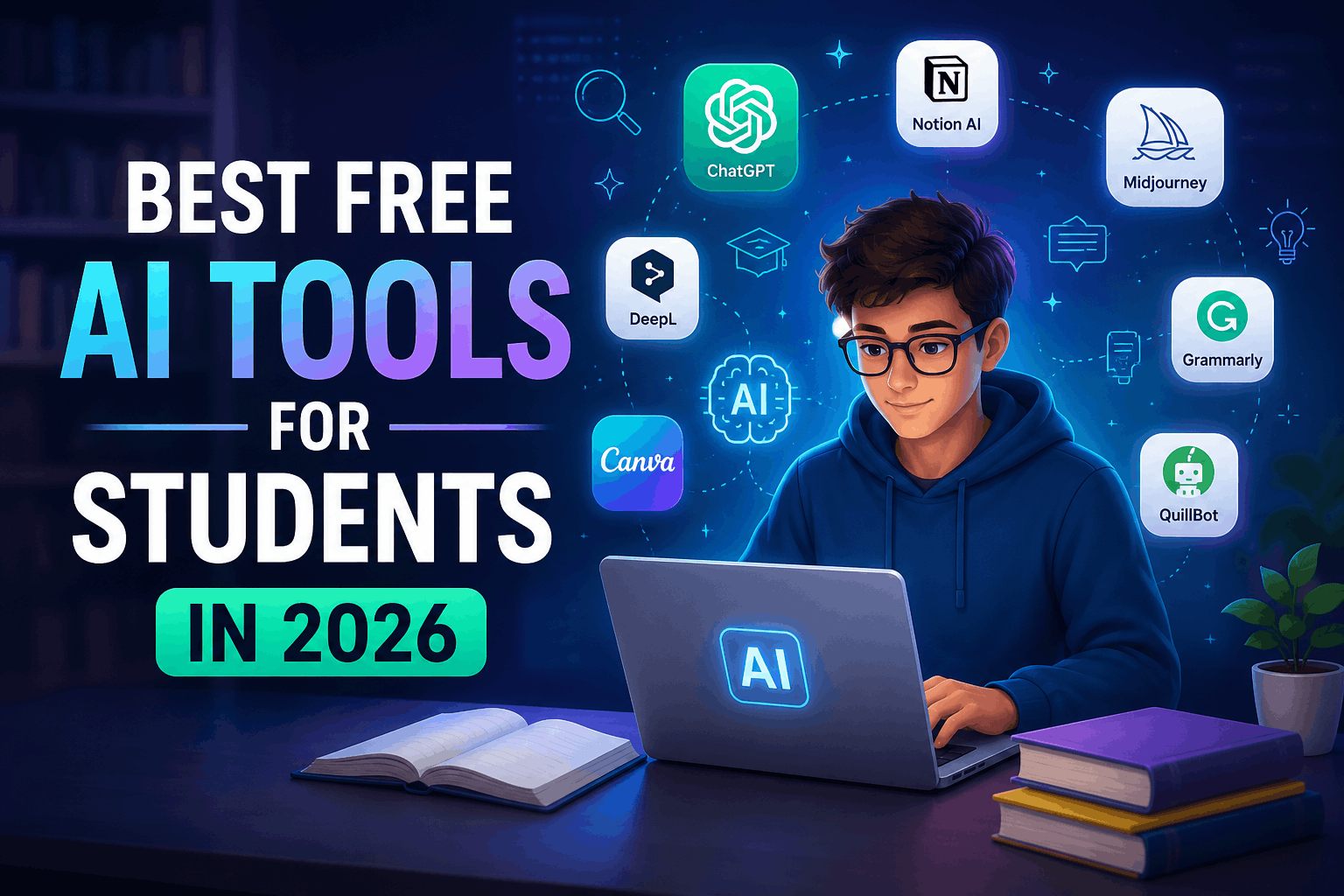
Here are the best free AI tools for students in 2026 that are genuinely useful.
1. ChatGPT – Best Overall Study Assistant
If I had to keep only one AI tool as a student, it would probably be ChatGPT.
Not because it magically does homework, but because it explains things in simple language. That’s the difference.
I used it recently to understand a confusing economics topic. My textbook explanation felt like it was written for professors. ChatGPT explained the same topic like a friend sitting beside me.
What students can use it for
- Summarizing long chapters
- Explaining difficult concepts
- Creating practice questions
- Fixing grammar mistakes
- Brainstorming essay ideas
- Making study schedules
- Learning coding basics
Real example
One student I know used ChatGPT to turn a 40-page biology chapter into short bullet notes before exams. Instead of rereading the whole chapter three times, he revised the summarized notes in one hour.
That alone saved him a full evening.
Mistake to avoid
Don’t blindly copy assignments from AI.
Teachers can usually tell when a student suddenly writes like a professional author. Use it to learn and improve your own work instead.
2. Notion AI – Best for Organizing Study Life
I ignored Notion for a long time because the interface looked complicated. Big mistake.
Once I understood how it worked, it became my second brain.
Notion AI is especially useful for students who constantly lose notes, deadlines, or project ideas.
What makes it useful
- AI-generated summaries
- Smart note organization
- Task management
- Assignment tracking
- Lecture note cleanup
- Team project collaboration
One feature I genuinely liked
After a long lecture, I pasted messy notes into Notion AI and asked it to organize them into clean headings and bullet points.
It turned chaos into something readable within seconds.
Best use case
Students handling multiple subjects at once.
Especially university students dealing with assignments, presentations, and deadlines together.
3. Grammarly – Best for Writing Assignments
I used to think Grammarly was only for fixing commas.
Turns out it’s much more helpful than that.
The free version catches awkward sentences, spelling mistakes, and weird phrasing that many students don’t notice themselves.
Why students love it
- Improves grammar instantly
- Makes writing clearer
- Helps with emails
- Useful for reports and essays
- Saves editing time
Real-life situation
A friend once submitted a scholarship application with several grammar mistakes because he rushed the final review.
After that rejection, he started using Grammarly before submitting anything important.
Small mistakes matter more than students realize.
Important tip
Don’t accept every AI suggestion automatically.
Sometimes Grammarly changes the tone too much and makes writing sound unnatural.
4. Canva – Best for Presentations
Group presentations become much easier with Canva.
Before using it, my presentations looked like they were made in 2009. Random fonts. Ugly colors. Crowded slides.
Canva fixed that problem quickly.
Useful features for students
- AI presentation templates
- Poster creation
- Resume design
- Infographics
- Social media graphics
- Video editing basics
What surprised me
The AI presentation feature can generate slide structures from a simple topic prompt.
You still need to edit the content yourself, but it saves a huge amount of setup time.
Common mistake
Students overload slides with text.
AI can help generate slides, but good presentations still need simplicity.
5. Perplexity AI – Best for Research
Perplexity became one of my favorite research tools recently.
Unlike normal AI chatbots, it shows sources directly with answers, which is extremely useful for assignments and fact-checking.
Why it stands out
- Gives source links
- Faster research
- Easy follow-up questions
- Better for academic searching
- Helps verify information
Practical example
I used Perplexity while researching cybersecurity trends. Instead of opening ten tabs manually, it summarized key points and showed where the information came from.
That saved a ridiculous amount of time.
Best for
- Research papers
- Fact checking
- Quick topic understanding
- Academic projects
6. Google Gemini – Best for Google Ecosystem Users
If you already use Gmail, Google Docs, Drive, and Android devices daily, Gemini fits naturally into student life.
Its integration with Google services is where it becomes powerful.
Helpful student uses
- Summarizing Google Docs
- Drafting emails
- Study planning
- Brainstorming project ideas
- Quick explanations
What I personally found useful
I tested Gemini while organizing notes stored inside Google Drive. It made searching and summarizing information much faster compared to manual browsing.
One downside
Sometimes responses feel too safe or generic compared to ChatGPT.
Still useful though.
7. Otter.ai – Best for Lecture Notes
This tool feels like a lifesaver during fast lectures.
Some teachers talk so quickly that students spend more time typing than actually understanding the lecture.
Otter.ai records and transcribes spoken content into text automatically.
Why students use it
- Converts lectures into notes
- Records meetings
- Helps with revision
- Saves time during classes
- Useful for interviews and discussions
Real experience
I tested it during an online webinar where the speaker talked non-stop for nearly an hour.
Instead of panicking and trying to write everything down, I focused on listening and reviewed the transcript later.
That made learning much easier.
8. QuillBot – Best for Rewriting and Simplifying Text
QuillBot is one of those tools students discover late and then wish they had earlier.
It’s useful when sentences sound confusing, repetitive, or too complicated.
Good uses
- Rewriting awkward sentences
- Simplifying difficult text
- Improving readability
- Checking grammar
- Summarizing content
Important warning
Don’t use paraphrasing tools to hide plagiarism.
Teachers and plagiarism detectors are getting smarter every year.
Use it for improving clarity, not cheating.
How Students Should Actually Use AI
This part matters more than the tools themselves.
AI works best when students use it as a helper, not a replacement for thinking.
Here’s a simple workflow that genuinely works:
Step 1: Learn the topic first
Before asking AI for summaries, spend at least a few minutes understanding the basic idea yourself.
Otherwise, you won’t know if the AI answer is wrong.
Step 2: Use AI for simplification
Ask things like:
- “Explain this in simple words”
- “Give me an example”
- “Summarize this chapter”
- “Create practice questions”
That’s where AI becomes powerful.
Step 3: Verify important information
This is something many students ignore.
AI tools sometimes confidently give wrong answers.
Always double-check:
- Dates
- Statistics
- Formulas
- Historical facts
- Academic references
Especially before submitting assignments.
Step 4: Rewrite in your own voice
The best students use AI as a draft assistant.
They edit, improve, and personalize the final work themselves.
That keeps assignments natural and original.
Common Mistakes Students Make With AI
I’ve seen these happen repeatedly.
Copy-pasting everything
This is the fastest way to produce robotic content.
Teachers notice it immediately.
Depending on one tool only
Different AI tools are good at different things.
ChatGPT is excellent for explanations.
Canva is better for presentations.
Perplexity is stronger for research.
Use the right tool for the right job.
Ignoring privacy
Don’t upload sensitive personal data, passwords, or confidential documents into random AI tools.
Stick with trusted platforms.
Using AI during exams unfairly
Some students misuse AI for cheating during online tests.
Apart from ethics, many schools now use detection systems and monitoring tools.
Using AI for learning is smart.
Using it dishonestly creates bigger problems later.
Which AI Tool Should Students Start With?
If you’re confused and don’t want to install ten different apps, start simple.
Here’s the easiest setup:
- ChatGPT → studying and explanations
- Grammarly → writing improvement
- Canva → presentations
- Notion AI → organization
That combination alone can improve productivity massively.
You don’t need every AI tool on the internet.
You just need a few that genuinely fit your daily routine.
Final Thoughts
Most students are not struggling because they lack intelligence.
They’re struggling because modern study life is messy. Notifications, deadlines, information overload, long lectures, group projects — it becomes exhausting quickly.
AI tools won’t magically make someone a top student overnight. But they can reduce stress, save time, and make studying less frustrating.
The biggest difference I noticed after using these tools wasn’t higher grades immediately.
It was mental clarity.
Less time wasted organizing things.
Less panic before deadlines.
Less staring at blank pages.
That alone made studying feel more manageable.
And honestly, that’s probably why AI tools are becoming a normal part of student life in 2026.
