
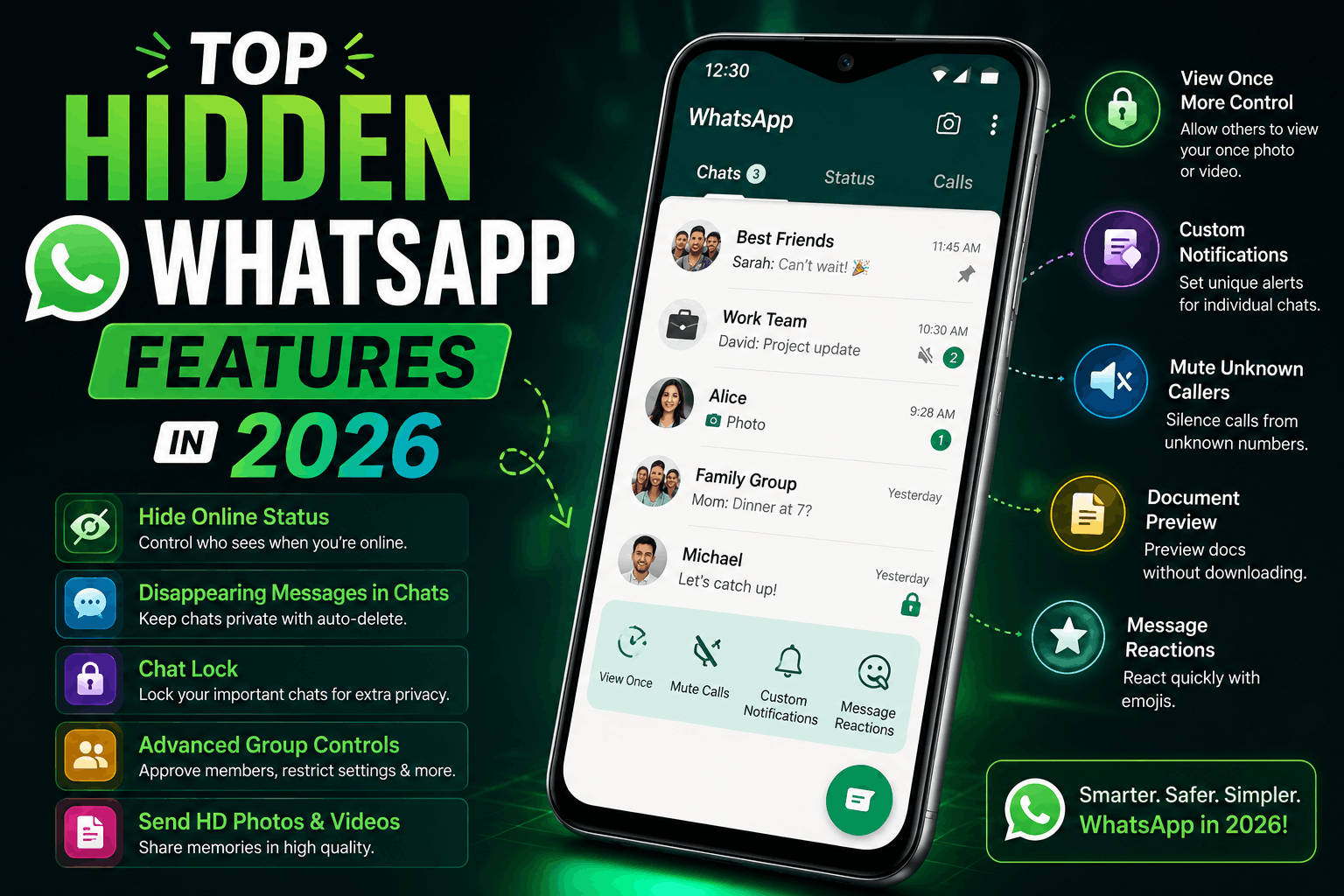
A few weeks ago, one of my friends grabbed my phone and changed a WhatsApp setting I didn’t even know existed.
Suddenly my chats looked cleaner, notifications felt less annoying, and I realized I had been using WhatsApp the same basic way for years without exploring half its features.
That moment sent me down a rabbit hole.
I started testing hidden WhatsApp settings, privacy options, shortcuts, and newer features that most people either ignore or never notice. Some features were genuinely useful. Others felt unnecessary. And a few made me wonder why WhatsApp hides helpful options so deeply inside settings menus.
If you use WhatsApp every day for chatting, business, studies, freelancing, or content sharing, there’s a good chance you’re missing features that could actually make life easier.
These aren’t fake “hacker tricks” from random internet videos.
These are real WhatsApp features I personally tested and ended up using regularly.
1. Chat Lock for Private Conversations
This feature became surprisingly useful once I started using WhatsApp for both work and personal conversations.
Instead of hiding the entire app, Chat Lock lets you lock specific chats using:
- Fingerprint
- Face unlock
- Passcode
Why It’s Useful
Sometimes you hand your phone to someone for:
- Photos
- Calls
- Videos
and suddenly realize your chats are completely visible.
Chat Lock fixes that problem nicely.
How to Enable It
- Open the chat
- Tap contact name
- Scroll down
- Select “Chat Lock”
That’s it.
The locked chats move into a protected folder.
Real Experience
I originally thought this feature was unnecessary.
Then I accidentally opened a private work chat while showing someone memes.
Immediately changed my opinion.
2. Edit Sent Messages
This feature saved me from embarrassing typos multiple times already.
Especially during late-night conversations when autocorrect becomes dangerous.
What It Does
You can now edit sent messages shortly after sending them.
Instead of deleting and rewriting everything.
How to Use It
- Long press message
- Tap edit
- Fix the mistake
Simple.
One Funny Mistake
I once typed:
“I’m bringing the files”
Autocorrect changed it into:
“I’m bringing the flies”
Editing messages quickly became very useful after that.
3. HD Photo Sharing
For years, WhatsApp ruined image quality badly.
Especially creators and photographers noticed this constantly.
Now HD photo sharing helps preserve much better image quality.
How to Send HD Photos
- Select image
- Tap HD button at top
- Choose higher quality
Why This Matters
I use WhatsApp regularly for:
- Thumbnail previews
- Client work
- Graphics
- Shopify banners
Blurry compressed images used to be frustrating.
This feature improved that a lot.
4. Screen Sharing During Video Calls
This feature quietly became one of WhatsApp’s most useful additions.
Especially for:
- Students
- Freelancers
- Tech support
- Online collaboration
Real Situation
I helped someone fix Shopify settings entirely through WhatsApp screen sharing.
No Zoom.
No Google Meet.
No complicated setup.
Just a quick WhatsApp call.
How to Use It
During video call:
- Tap share screen
- Start broadcasting
That’s all.
Pretty convenient honestly.
5. Voice Message Transcripts
This feature feels perfect for people who receive endless voice notes.
You know those situations:
- Loud environment
- Public transport
- Meeting
- Late night
and someone sends a 4-minute voice message.
Now WhatsApp can generate text transcripts for supported voice notes.
What I Noticed
Accuracy depends on:
- Audio quality
- Accent
- Background noise
But overall it works surprisingly well.
6. Multiple WhatsApp Accounts on One Phone
This feature solved a major annoyance for Android users.
Previously people relied on:
- Cloned apps
- Parallel spaces
- Extra phones
Now WhatsApp supports multiple accounts more cleanly.
Useful For
- Personal + work numbers
- Business accounts
- Freelancing communication
Setup Process
- Open WhatsApp settings
- Tap account arrow
- Add another account
Simple setup compared to older workarounds.
7. Secret Privacy Features Most People Ignore
WhatsApp privacy settings are honestly more powerful now than many users realize.
Features Worth Adjusting
- Hide online status
- Hide last seen
- Silence unknown callers
- Restrict profile photo visibility
- Control status viewers
Best Setting I Changed
“Who can see when I’m online?”
That small change made WhatsApp feel much less distracting.
People stop expecting instant replies constantly.
8. Message Yourself Feature
This sounds boring until you actually start using it.
Now I constantly send myself:
- Links
- Notes
- Ideas
- Photos
- Draft captions
through WhatsApp.
Why It’s Helpful
It works like a quick cloud notebook across:
- Phone
- Laptop
- WhatsApp Web
Honestly became one of my most-used features unexpectedly.
9. WhatsApp Web Multi-Device Support
This improved massively compared to older versions.
Previously your phone needed constant internet connection.
Now linked devices work much more independently.
Real Experience
I write:
- Blog drafts
- Quick notes
- Client replies
through WhatsApp Web regularly while working on laptop.
Typing long messages feels much easier there.
Helpful Tip
Use keyboard shortcuts on WhatsApp Web:
- Ctrl + Shift + ]
- Ctrl + Shift + [
for faster chat switching.
10. Disappearing Messages
I didn’t care much about this feature initially.
Then group chats started becoming cluttered with random old messages and media.
Disappearing messages automatically remove chats after:
- 24 hours
- 7 days
- 90 days
depending on settings.
Best Use Cases
- Temporary conversations
- Study groups
- Project discussions
- Privacy-focused chats
Not ideal for important information though.
11. Custom Chat Wallpapers
This one isn’t revolutionary, but it genuinely makes WhatsApp feel more personal.
You can now set:
- Different wallpapers
- Different themes
- Different chat colors
for individual chats.
Small Detail That Matters
Separating work chats visually from personal chats actually helps organization mentally.
Sounds minor.
Feels useful daily.
12. Pin Important Messages
This feature became extremely useful for:
- Freelancers
- Students
- Group chats
You can pin:
- Addresses
- Meeting links
- Instructions
- Important reminders
instead of endlessly scrolling through old chats.
Real Example
I pinned payment details inside a client conversation and saved myself repeated searching later.
13. AI Features Slowly Appearing Inside WhatsApp
WhatsApp has slowly started introducing AI-powered features through integrations and assistant tools.
Some are useful.
Some still feel experimental.
Current AI-Related Features
- AI stickers
- Smart replies
- Image generation experiments
- AI chat integrations
These features are improving gradually, especially for creators and businesses.
Common Mistakes WhatsApp Users Make
Ignoring Privacy Settings
Most users never properly check:
- Last seen
- Profile visibility
- Group permissions
Take five minutes and review them properly.
Backing Up Nothing
People only realize backups matter after losing chats.
Enable cloud backup regularly.
Especially for:
- Business chats
- Work files
- Personal memories
Joining Too Many Groups
I learned this the hard way.
Too many notifications destroy focus quickly.
Mute unnecessary groups aggressively.
Using Unofficial WhatsApp Mods
Avoid risky modified apps promising:
- Extra themes
- Hidden tracking
- “Premium” features
They can create:
- Security issues
- Privacy risks
- Account bans
Stick with official WhatsApp versions.
Features That Surprisingly Improved My Daily Usage
The biggest improvements honestly weren’t flashy AI features.
They were simple things like:
- Chat Lock
- HD image sharing
- Message editing
- Multi-device support
Small quality-of-life upgrades matter more than dramatic gimmicks.
What Makes WhatsApp Still So Popular
Even with newer messaging apps constantly appearing, WhatsApp stays relevant because it’s:
- Simple
- Fast
- Familiar
- Reliable
Most people don’t want overly complicated messaging apps.
They just want communication that works smoothly.
And once you start exploring hidden settings and newer features, WhatsApp becomes much more customizable and useful than many users realize at first glance.
